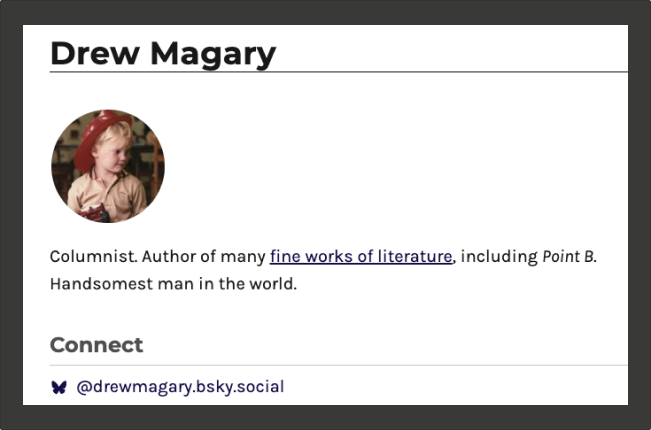
We have implemented a Bluesky handle integration for author profiles. To incorporate your Bluesky presence:
Navigate to Profiles > All Profiles
Select your profile
Scroll to the Info section
Locate the Bluesky field (positioned beneath Twitter)
Enter your handle and select “Update”
Important note: Do not include https://bsky.app/profile/ – that segment of the link will be generated programmatically.
Your Bluesky handle will immediately appear on your author page, helping you connect with readers across platforms.