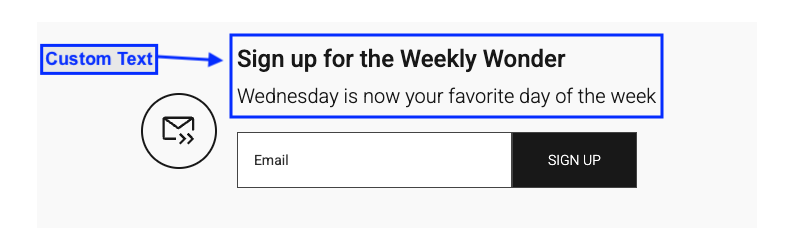
While Newsletter blocks on your homepage and within articles can be customized individually, you may be wondering about the other key locations where readers encounter newsletter sign-up prompts. These managed locations include the registration form, global footer, and article footer. Yes, you can customize these CTAs too!
Locations with default text
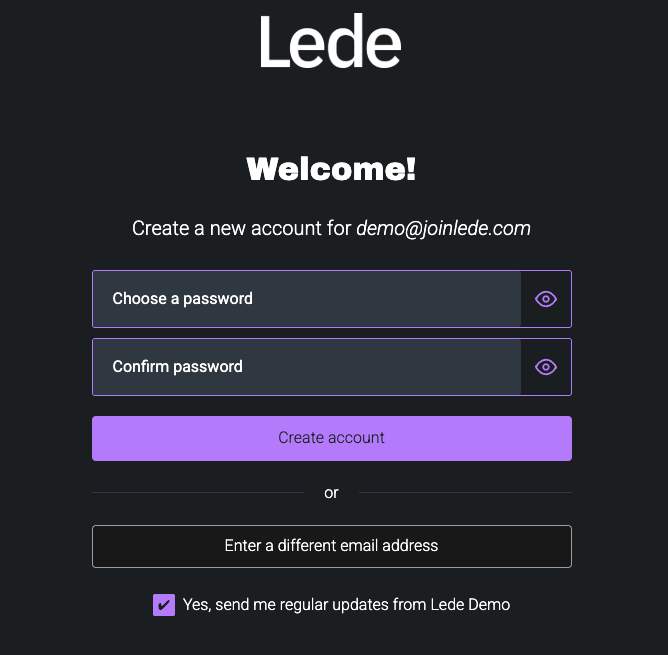
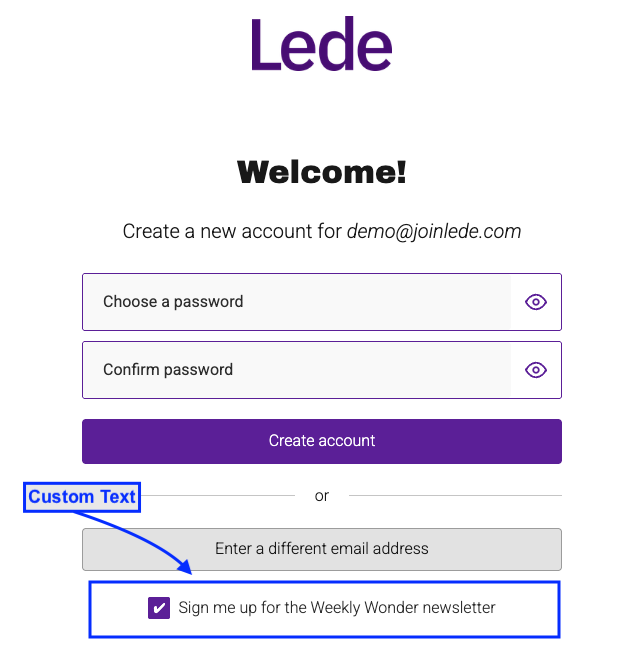
Registration form (checkbox)
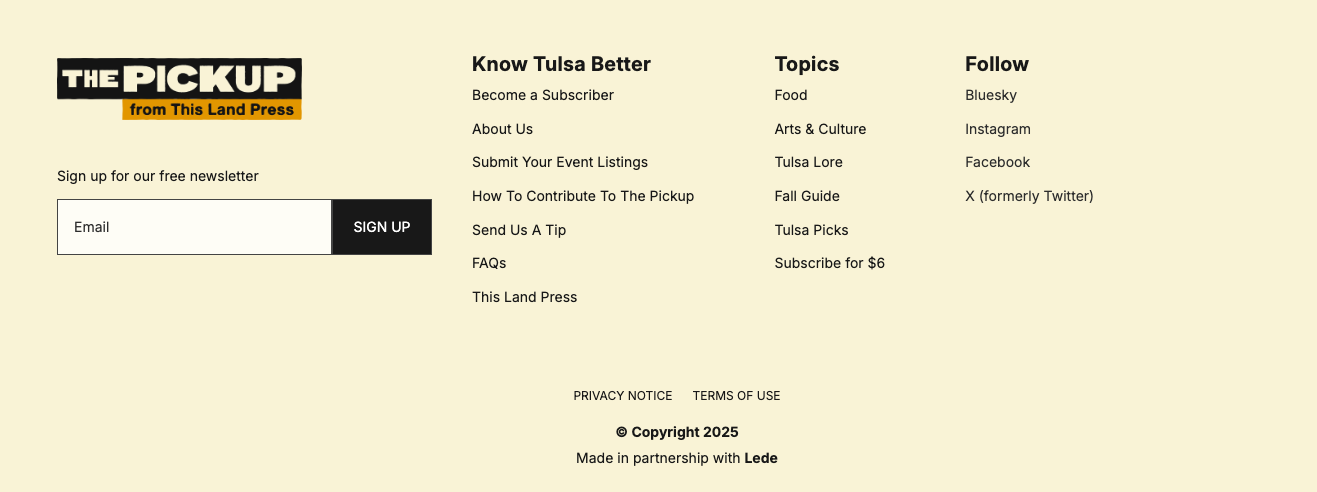
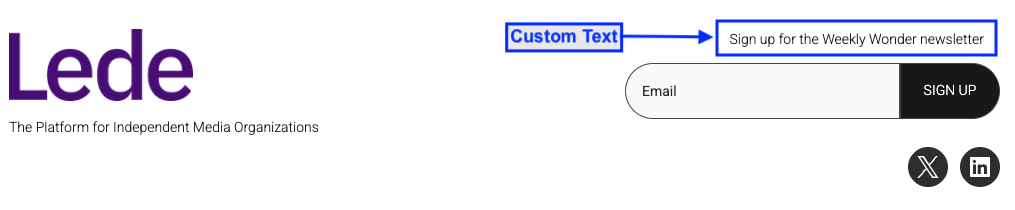
Global Footer
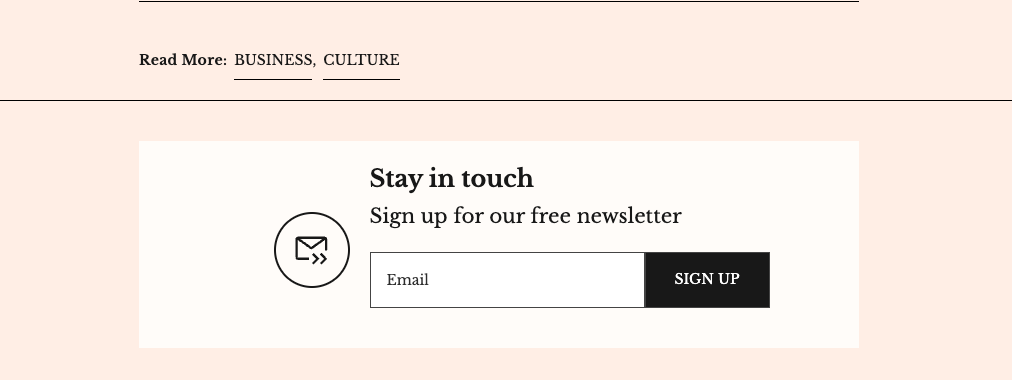
Article Footer
How to Customize Newsletter Text
To personalize your newsletter messaging across these managed locations:
- Navigate to Settings > Messaging & Copy in the Publisher App
- Use the dedicated newsletter fields to enter your custom text:
- Register Page Newsletter Text — the registration-form checkbox copy
- Footer Newsletter Text — the prompt in your global footer
- Article Newsletter Heading and Article Newsletter Call-to-Action Text — the heading and CTA shown in the article footer
- Register Page Newsletter Text — the registration-form checkbox copy
- Footer Newsletter Text — the prompt in your global footer
- Article Newsletter Heading and Article Newsletter Call-to-Action Text — the heading and CTA shown in the article footer
- Each field has a 75-character limit
- Click Save to apply your changes
Why Customize Your Newsletter CTAs?
Customizing your newsletter text allows you to:
- Feature your default newsletter name for better brand recognition
- Maintain a consistent brand voice across all touchpoints
- Create more compelling calls-to-action that resonate with your audience
Locations with custom text
Registration form
Global Footer
Article Footer