See the Featured Post block in action! This gallery showcases real-world examples of how you can use this versatile block to highlight your most important content. Explore different configurations, color schemes, layouts, and styling options to find inspiration for your own site.
For detailed instructions on configuring each option, visit our Featured Post Block Knowledge Base article.
Example 1: With background color, full width, no byline
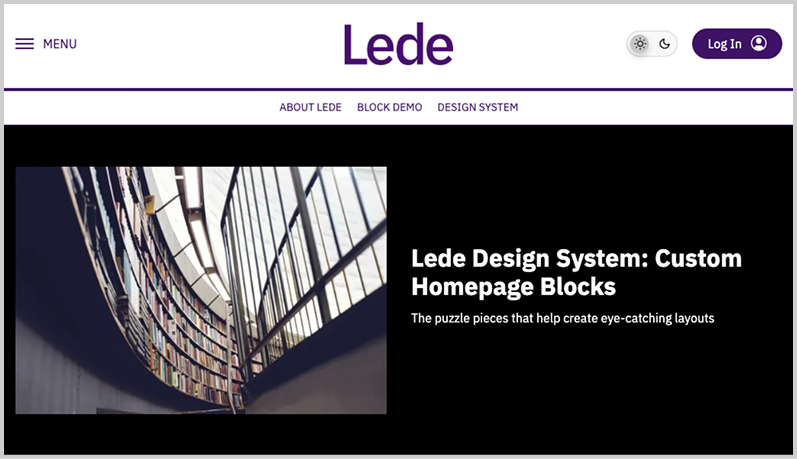
Lede.FYI
Recipe
- 3:2 image
- Byline hidden
- Black background color, white text color
- Custom padding (XLarge top and bottom, 0 left and right)
- Full width
- Shown as the first item on the homepage, with the page layout extended to the header and no leaderboard or banner ads
Example 2: With default byline, 3:2 image, subtitle/dek
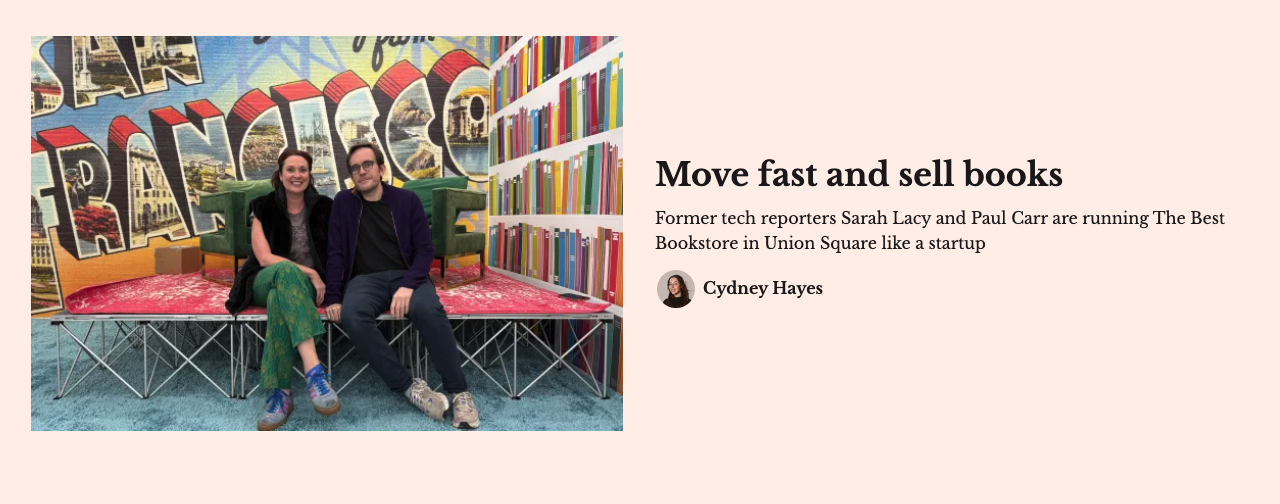
Courtesy of Gazetteer San Francisco
Recipe:
- 3:2 image
- Default byline and subtitle/dek
Example 3: With category eyebrow
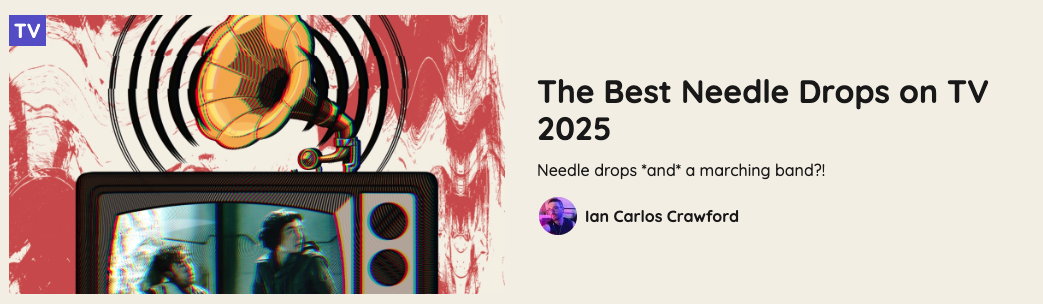
Courtesy of PopHeist
Recipe:
- Category eyebrow toggled on
- Default byline, subtitle/dek, image aspect ratio (16:9)
Example 4: With outline, no subtitle

Courtesy of Defector
Recipe
- Image outline toggled on
- No subtitle/dek, standard image aspect ration (16:9) and byline
Example 5: Square image, inside a column
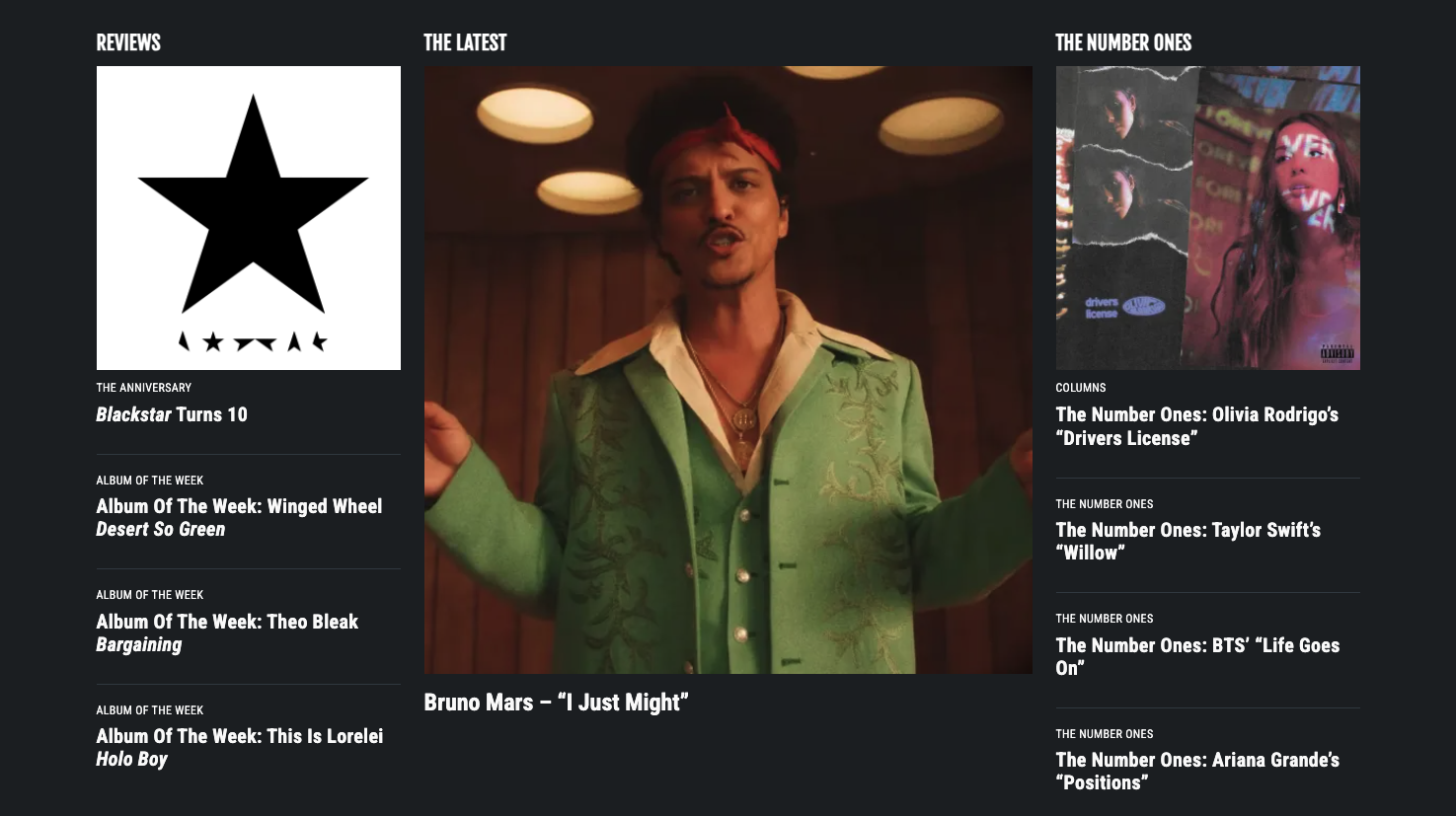
Courtesy of Stereogum
Recipe
- Used in the center column of the Featured Posts block
- Square image
- No byline, no subtitle/dek
- Shown in dark mode
Example 6: With centered text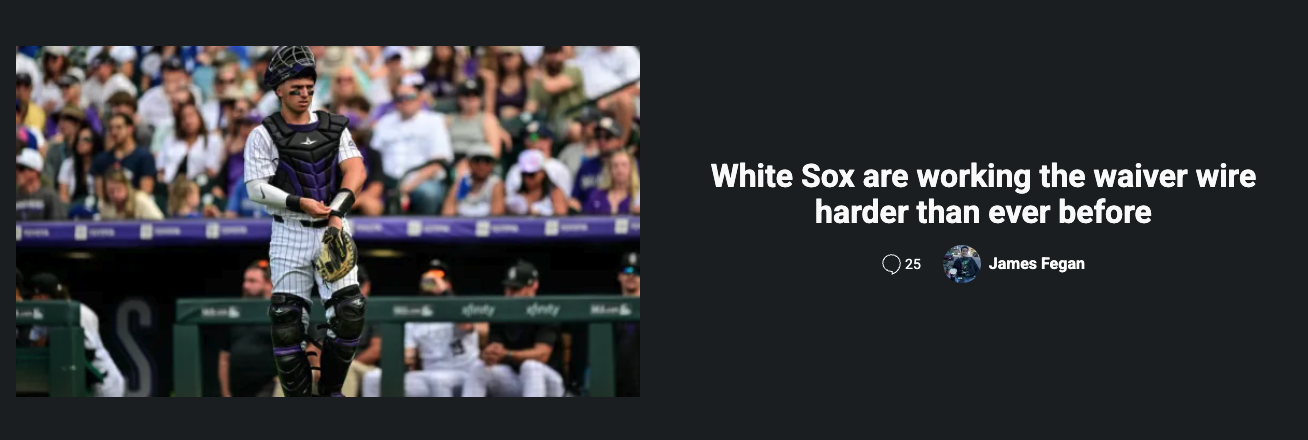
Courtesy of Sox Machine
Recipe
- Centered text
- No subtitle/dek, default byline
Example 7: With secondary font used in heading
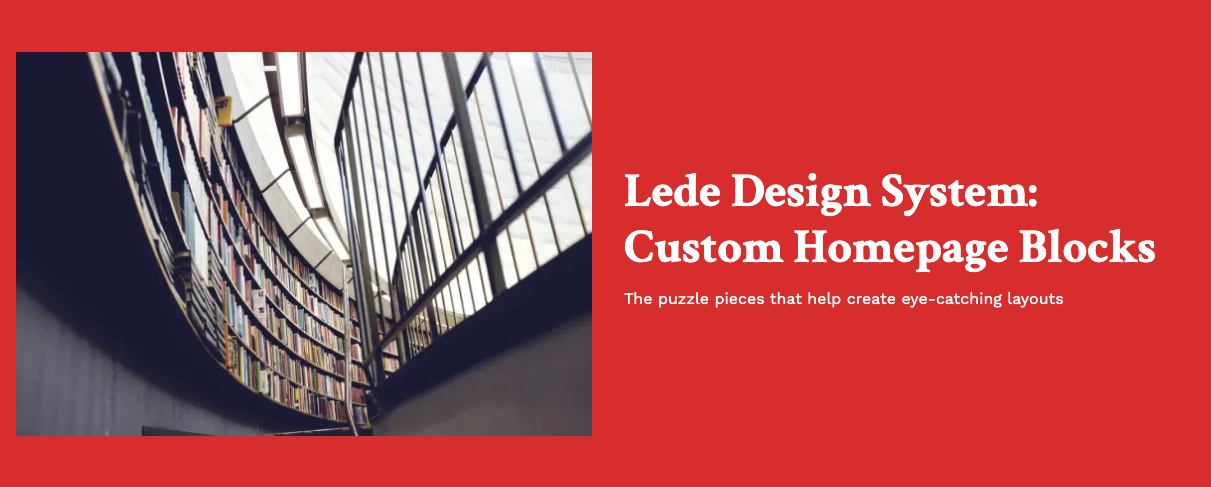
Recipe
- 3:2 image
- Byline hidden
- Red background color, white text color
- Custom padding (XLarge top and bottom, 0 left and right)
- Full width
- Secondary font used in heading
- XL Heading size